How to Change Mobile Number in Aadhaar 2026?
Have you recently switched your SIM card? If so, you might be getting your OTP sent to your old mobile number, which can be quite a hassle—especially when you’re trying to access your bank account or file your ITR. This is a common issue for many people when their Aadhaar-linked mobile number is no longer active.
The good news is that in 2026, updating your mobile number in Aadhaar will be a breeze. You won’t have to wait in those long lines at the Aadhaar center anymore. In many cases, the whole process is now much simpler and quicker.
In this guide, I’ll break down the exact steps you need to follow, what documents you’ll need, any fees that might apply, and how long the update will take. Everything is explained in a straightforward and practical manner so you can tackle the issue without any hassle.
Why Updating Your Mobile Number in Aadhaar Matters So Much
A registered mobile number is your gateway to almost everything Aadhaar-related. Without it you can’t:
- • Receive OTPs for e-KYC.
- • Download your e-Aadhaar quickly.
- • Link PAN, open a new bank account, or claim subsidies.
I’ve watched people miss important government scheme payments simply because their old number was deactivated. Updating takes care of that in one go and keeps your digital life smooth.
Two Practical Ways to Update in 2026 (Choose What Fits Your Situation)
1. Using the New Aadhaar App – The Easiest Way for Most People
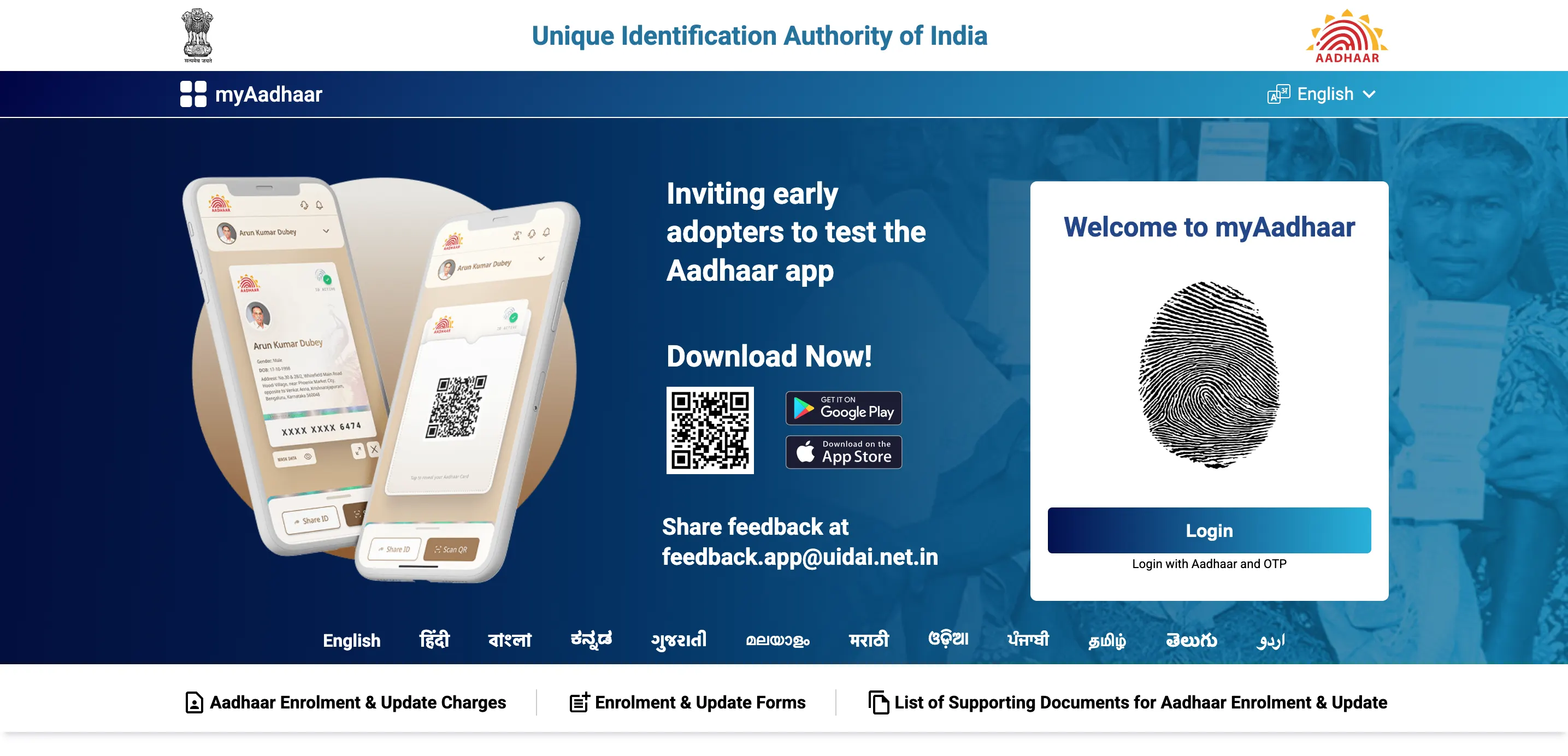
Since 28 January 2026, UIDAI’s official new Aadhaar app lets you change the mobile number from anywhere. No centre visit needed in most cases. Step-by-step (takes 8-10 minutes):
- 1. Download the official “Aadhaar” app from Google Play Store or Apple App Store (developer: Unique Identification Authority of India).
- 2. Open the app and log in with your 12-digit Aadhaar number.
- 3. Complete face authentication or fingerprint (whatever your phone supports).
- 4. Tap the “Services” tab at the bottom.
- 5. Choose “Mobile Number Update”.
- 6. Enter your new 10-digit mobile number.
- 7. Verify it with the OTP sent to the new number.
- 8. Do one final face authentication for security.
- 9. Pay the small service fee (usually ₹50–75, depending on whether you combine it with any other update).
- 10. Done. You’ll get a confirmation and an Update Request Number (URN).
Real-life example: My colleague Rahul changed his number after porting to Jio. He did the entire process while waiting for his train at Chandigarh station. Fifteen days later the new number started receiving Aadhaar OTPs. No queue, no half-day leave.
When this method works best: You still remember your old number or can authenticate with face/fingerprint even if the old SIM is gone.
2. Visiting an Aadhaar Enrolment Centre – When the App Isn’t Enough
Some situations still need the offline route:
- • You have zero registered mobile right now.
- • Face authentication keeps failing.
- • You feel more comfortable with an operator.
What to do:
- 1. Go to https://appointments.uidai.gov.in and book a slot (or just walk in at many centres).
- 2. Carry your Aadhaar printout or e-Aadhaar on your phone.
- 3. Fill the update form (operator will help).
- 4. Give your new mobile number.
- 5. Do biometric scan (fingerprint + iris usually).
- 6. Pay the nominal fee (₹50 for mobile-only update).
- 7. Collect the acknowledgement slip with URN.
The whole visit usually takes 20-40 minutes if you have an appointment.
What You Need Before You Start
- • Your 12-digit Aadhaar number.
- • The new working mobile number.
- • A smartphone with front camera for face auth (for the app route).
- • ₹50–75 ready (UPI works in the app).
Many people find it helpful to download a fresh copy of their current e-Aadhaar using a reliable tool like Aadhar Card Download at https://aadharcarddownloads.org. It’s a quick way to have all your details in one PDF without fighting portal logins every time.
After You Submit: What Really Happens
- • You get an SMS on the new number within minutes confirming the request.
- • The update reflects in the Aadhaar database in 2 to 15 days (most people see it in 7-10 days).
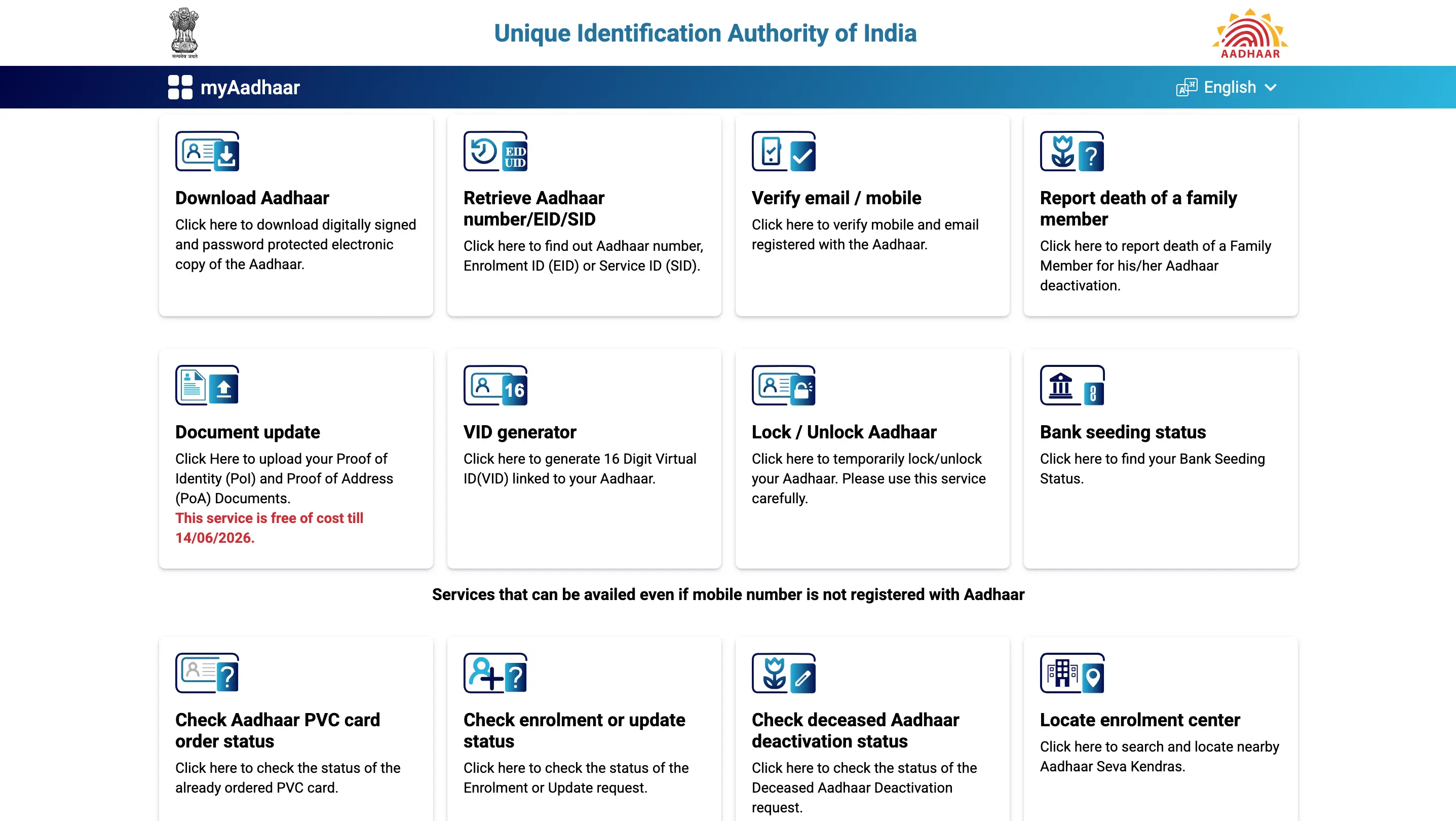
- • Track status anytime on myaadhaar.uidai.gov.in using your URN.
- • Once live, OTPs and services start coming to the new number automatically.
Common Problems People Face (and How to Fix Them)
- • “OTP not coming on new number” → Double-check you entered the correct digits. Try requesting again after 30 seconds.
- • Face authentication failing → Good lighting helps. Remove glasses, hat, or mask. Try in daylight.
- • App says “already registered” → That means the number is already linked to another Aadhaar. Use a different number.
- • Old number completely dead → App still works if your biometrics match; otherwise head to the centre.
I’ve seen folks get stuck because they tried updating right after porting the number — wait 24 hours after SIM activation for best results.
Quick Tips from Real Experiences
- • Update during daytime when network is stable.
- • Keep both old and new SIMs handy until the update reflects (just in case).
- • Don’t update during festival rushes — centres get crowded.
- • If you’re above 60 or have shaky hands, the centre route is actually kinder.
Frequently Asked Questions
Can I really change my Aadhaar mobile number without visiting any centre in 2026?
Yes, the new Aadhaar app launched on 28 January 2026 makes it possible for most people using face authentication.
Is there any fee to update mobile number in Aadhaar?
Yes, a small service charge of ₹50–75 applies whether you use the app or centre.
What if I don’t have the old mobile number anymore?
You can still update via the app using biometrics or at any Aadhaar centre (no old number required at the centre).
How long does it take for the new number to become active?
Usually 2–15 days. Most updates go live within a week.
Do I need any documents to change the mobile number?
No supporting documents are needed for mobile number update — just your Aadhaar and biometrics.
Can I update someone else’s (like my parents’) mobile number?
Only if you have their consent and they complete face authentication themselves in the app.
What if the app update fails repeatedly?
Visit the nearest Aadhaar Enrolment Centre. They handle complicated cases daily.
Is the new Aadhaar app safe to use?
It’s the official UIDAI app. Use only the one by “Unique Identification Authority of India”.
Can I change the mobile number multiple times in a year?
Yes, there’s no limit mentioned by UIDAI, though frequent changes may raise a red flag for security.
How do I check if my new number is now linked?
Try logging into any Aadhaar service (myAadhaar portal) or request a test OTP — it should come on the new number.