What is Aadhaar Card? Complete Guide 2026
- Understanding the Basics of Aadhaar
- Key Features That Make It Useful
- Eligibility and Who Can Apply
- Step-by-Step Enrollment Process in 2026
- Required Documents for Enrollment
- Checking Enrollment Status
- Updating Your Aadhaar Details
- Downloading Your e-Aadhaar
- Linking Aadhaar to Essential Services
- Common Issues and How to Fix Them
- Aadhaar for Special Groups: Children, NRIs, Seniors
- Privacy and Security Tips
- FAQs
Imagine you're at the bank, ready to open a new account, and the teller suddenly asks for your Aadhaar number. Or perhaps you're trying to apply for a government subsidy, and without that crucial 12-digit number, everything comes to a standstill. This is the everyday reality for millions of people in India. Aadhaar has evolved beyond just being an ID; it’s now essential for tasks like getting a SIM card, filing your taxes, or even proving where you live. By 2026, with over 1.4 billion enrollments, it’s woven into the fabric of digital services more than ever. If you’re just getting started or running into issues like outdated information, don’t worry—this guide will help you navigate it all. We’ll tackle common challenges, such as long lines or verification snags, and share tips based on real-life experiences.
Understanding the Basics of Aadhaar
What It Is and Why It Matters
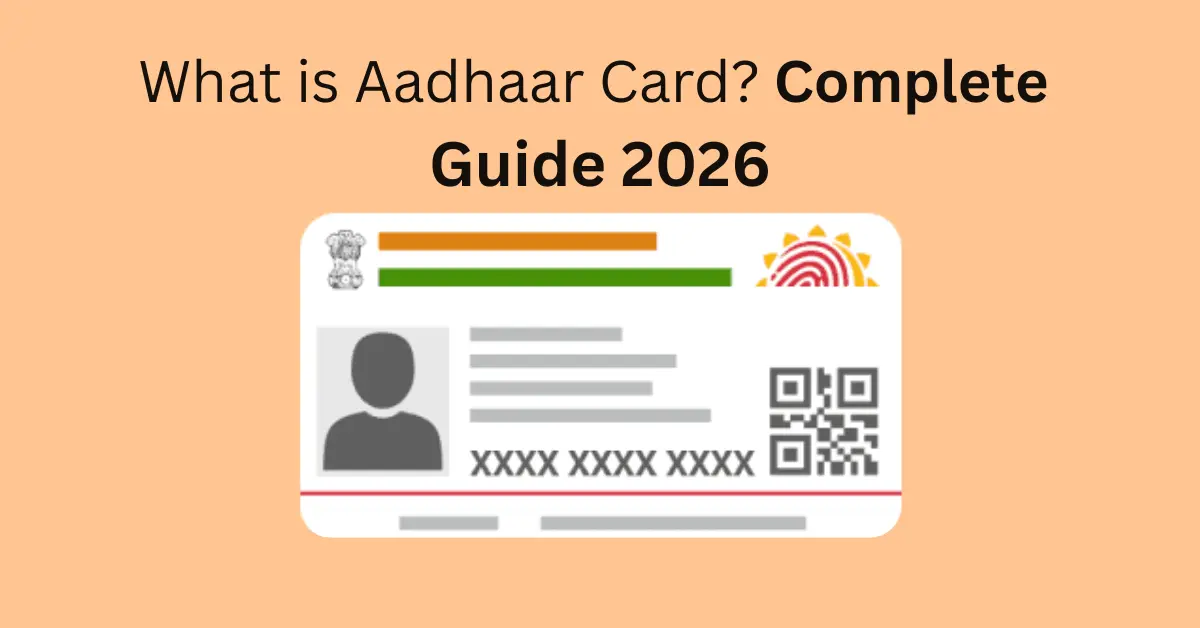
Aadhaar is a unique 12-digit identification number provided by the Unique Identification Authority of India (UIDAI). It’s built on your biometric information—like your fingerprints and iris scans—along with some basic details such as your name, address, and date of birth. You can think of it as a digital ID that proves who you are and where you live, valid throughout India.
Why is this important? In real life, not having an Aadhaar can lead to missing out on benefits like cooking gas subsidies or running into issues with bank KYC. For example, a friend of mine in a small town couldn’t access his pension because his old address was outdated. But after he updated it through Aadhaar, everything was resolved in just a week. It’s meant to help eliminate fake IDs and streamline government services, though glitches like mismatched biometrics can still create challenges for some folks.
Key Features That Make It Useful
The standout feature here is uniqueness—no duplicates, all thanks to biometrics. Plus, it allows for online verification, which can save a lot of time when you're getting authenticated for loans or jobs. Another great aspect is e-KYC, where you can share your information electronically, cutting out the need for paperwork.
In 2026, the new Aadhaar app will introduce features like face authentication, making it easier for seniors who have difficulty with fingerprints. Just remember, it’s not a proof of citizenship; it’s intended for residents only.
Eligibility and Who Can Apply
In India, anyone can apply for an Aadhaar card, regardless of age, gender, or nationality—as long as they’re a resident. This includes children, NRIs who are here for more than 182 days, and even foreigners with valid visas.
But here’s the thing: it’s voluntary, yet you’ll find that you really need it for most services. If you’re an NRI just visiting for a short time, you might not be eligible, which can lead to issues like having your bank accounts blocked. I’ve heard plenty of stories about expats rushing to get their Aadhaar during long trips back home just so they can access their savings.
Step-by-Step Enrollment Process in 2026
The enrollment process is easy enough, but the crowds at the centers can really test your patience. To get started, look for a nearby Aadhaar Seva Kendra on the UIDAI website or app. Make sure to book an appointment to dodge those long waits!
- • Step 1: Gather documents (more on that below).
- • Step 2: Visit the center, fill the form, and give biometrics.
- • Step 3: Get an acknowledgment slip with an Enrollment ID.
For kids under 5, it's Baal Aadhaar—no biometrics needed initially. In 2026, some centers use the new app for quicker processing, but if your area lacks one, expect a 2-3 week wait for the card.
A common problem: Rejected applications due to poor photo quality. Double-check everything before leaving.
Required Documents for Enrollment
To get started, you'll need to provide some proof of identity—think along the lines of a PAN card or a passport. You'll also need to show proof of your address, which could be a utility bill or a rent agreement, and don’t forget to have something that proves your date of birth, like a birth certificate or a school ID.
If you’re missing any of these documents, you can always bring in an introducer, such as a gazetted officer. For those tricky address-proof situations, many people turn to their bank statements. A little tip from the real world: it’s a good idea to carry both the originals and copies of your documents, as centers often scan them, and any mismatches can slow things down.
There are no fees for first-time enrollment, but if you need to make updates, be prepared to pay around Rs. 50 at the centers.
Checking Enrollment Status
Once you’ve enrolled, keep an eye on your status online with your Enrollment ID. Just head over to the UIDAI website, fill in your details, and you’ll receive updates via SMS if your mobile number is linked. If things are taking longer than expected—like over 90 days—don’t hesitate to call the helpline at 1947. I know someone who had to wait for months due to a server issue, but with some persistent follow-ups, he finally got it resolved.
Updating Your Aadhaar Details
- • Life is all about changes—whether it’s a new home, getting married, or just changing your phone number. In 2026, updating your Aadhaar info is super simple with the revamped app, especially for address changes.
- • To update online: Just log into the myAadhaar portal or app with your number, upload your documents, and pay Rs. 25 (after the free update period ends in 2025). If you need to update your biometrics or make major changes, you’ll have to visit a center and pay Rs. 50.
- • Here’s a real snag: If your mobile isn’t linked, you can’t verify with an OTP. So, make sure to stop by a center first. The new app, which rolled out in January 2026, lets you update your address from home, which is a huge time-saver for those with busy schedules.
- • Don’t forget, it’s important to update your documents every ten years to keep your biometrics fresh—if you skip this, you might run into problems during emergencies, like when you need to get into a hospital.
Downloading Your e-Aadhaar
Lost your physical Aadhaar card? No problem! You can easily download the e-Aadhaar PDF from the UIDAI website using your Aadhaar number and OTP. It’s just as valid as the original card!
For those who might not be too comfortable with technology, tools like Aadhar Card Download are a lifesaver. They guide you through the process step-by-step, making it easy to retrieve your card without getting lost in the official portals.
You can print it on PVC for extra durability, or just keep it in digital form. Either way, it’s a quick fix for anyone who tends to misplace their IDs!
Linking Aadhaar to Essential Services
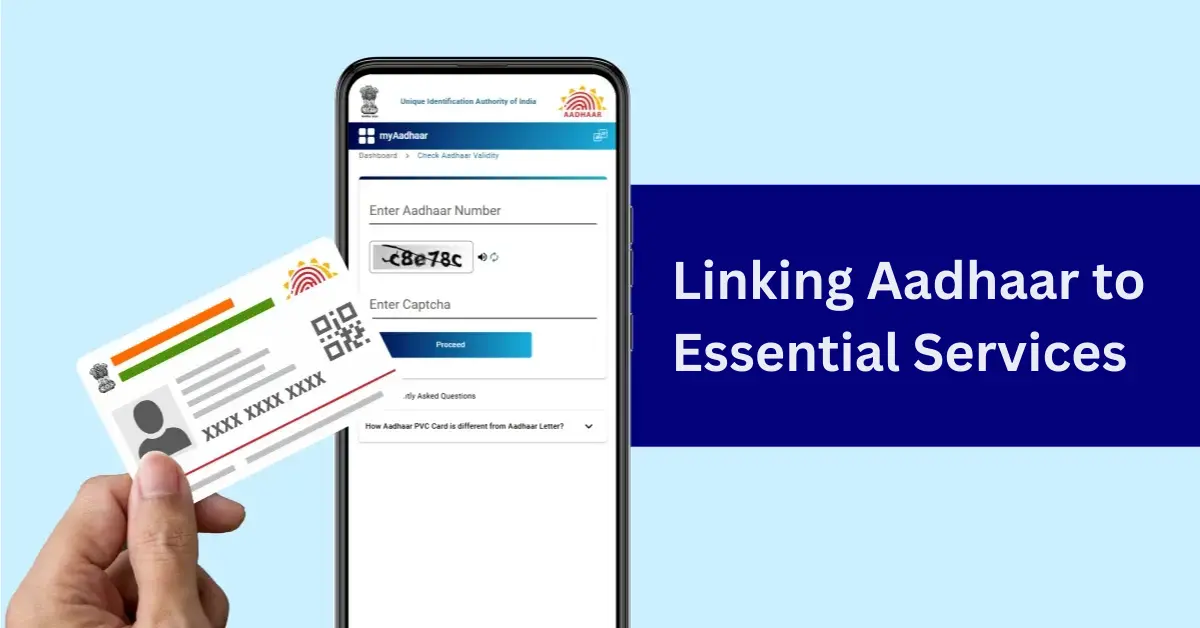
Link it to your PAN for taxes, bank for transactions, or mobile for verification. Unlinked? You might face frozen accounts or denied services.
For example, during tax season, unlinked PANs lead to higher TDS deductions—painful if you're salaried. Use the UIDAI portal or service apps to link; it's quick but requires a working mobile.
Common Issues and How to Fix Them
Biometric failures are common for manual laborers with worn fingerprints—use iris or face scan alternatives.
Privacy leaks? Report to UIDAI immediately. Another issue: Duplicate Aadhaars from old enrollments; merge them at a center.
Based on experiences, always keep your mobile updated—it's the key to everything.
Aadhaar for Special Groups: Children, NRIs, Seniors
For kids: Enroll early for school admissions; biometrics update at 5 and 15.
NRIs: Eligible if staying over 182 days; otherwise, use other IDs for banking.
Seniors: Home visits available in some areas for mobility issues. A relative faced delays for her elderly mom—booking via app helped.
Privacy and Security Tips
Aadhaar data is encrypted, but scams happen. Never share OTPs or biometrics casually.
Lock your biometrics via the app to prevent misuse. If hacked, change details immediately. In 2026, with rising cyber threats, these steps are crucial for peace of mind.
Frequently Asked Questions
What is the deadline for Aadhaar updates in 2026?
No strict deadline, but update documents every 10 years. Fees apply: Rs. 25 online, Rs. 50 at centers.
Can I update my Aadhaar address online?
Yes, via the new Aadhaar app or myAadhaar portal with valid proof and OTP.
Is Aadhaar mandatory for all services?
Not legally, but practically yes for banking, subsidies, and taxes.
How do I link my mobile to Aadhaar?
Visit a center; online isn't possible without an existing linked number.
What if my biometrics don't match?
Try alternatives like iris or face; if persistent, raise a grievance on UIDAI.
Can NRIs get Aadhaar?
Yes, if residing in India for over 182 days in the past year.
How to download masked Aadhaar?
From UIDAI site—it hides full digits for security.
What documents for name change?
Marriage certificate or gazette notification as proof.
Is there a fee for enrollment?
No, it's free; only updates cost.
How to report lost Aadhaar?
Reprint via UIDAI or use e-Aadhaar; no need to re-enroll.